
Do you know Sanskrit? See where it goes in Census 2027.
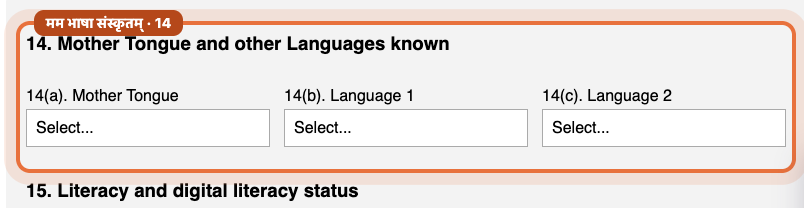
Question 14 asks each person's mother tongue and other languages known. This page explains the question. The Geervanee extension shows where Sanskrit goes, right on the Census portal, while you fill the form.
A short, plain explanation. The official instructions on the Census portal always come first.
Census 2027 asks each person for a mother tongue and the other languages they know. On the form this is Question 14, with three boxes: Mother Tongue, Language 1 and Language 2.
If you know Sanskrit, it can be entered as one of the languages you know. Enter it as the mother tongue only if it truly is that person's mother tongue. For what counts as a mother tongue, follow the instructions shown on the portal.
The question is answered for every person in the household. A language that is true for one person may not be true for another.
Enter Sanskrit only where it is true for that person. Nobody should enter a language they do not know.
Fill the form on the official Census portal. If you are stuck, the official helpline is 1855.
Online form: 16 to 30 November 2026 in Uttar Pradesh, Punjab, Goa and Uttarakhand (non-snowbound areas); 10 to 24 January 2027 in other States and UTs, except Ladakh and snowbound areas of Jammu & Kashmir and Himachal Pradesh.
The Geervanee extension shows where Sanskrit goes, right on the Census portal. The full screen-by-screen guide opens inside the extension.
Already installed? Click the Geervanee icon in your browser, then मम भाषा संस्कृतम्.
Proudly saying: Samskrtam is my language.
If Sanskrit is your language, make your pledge card. Choose one of 10 designs, add your name and your photo, then share the card with the link so others find the guide too.
5 pledge cards made so far
Want tips on every screen of the Census form too?
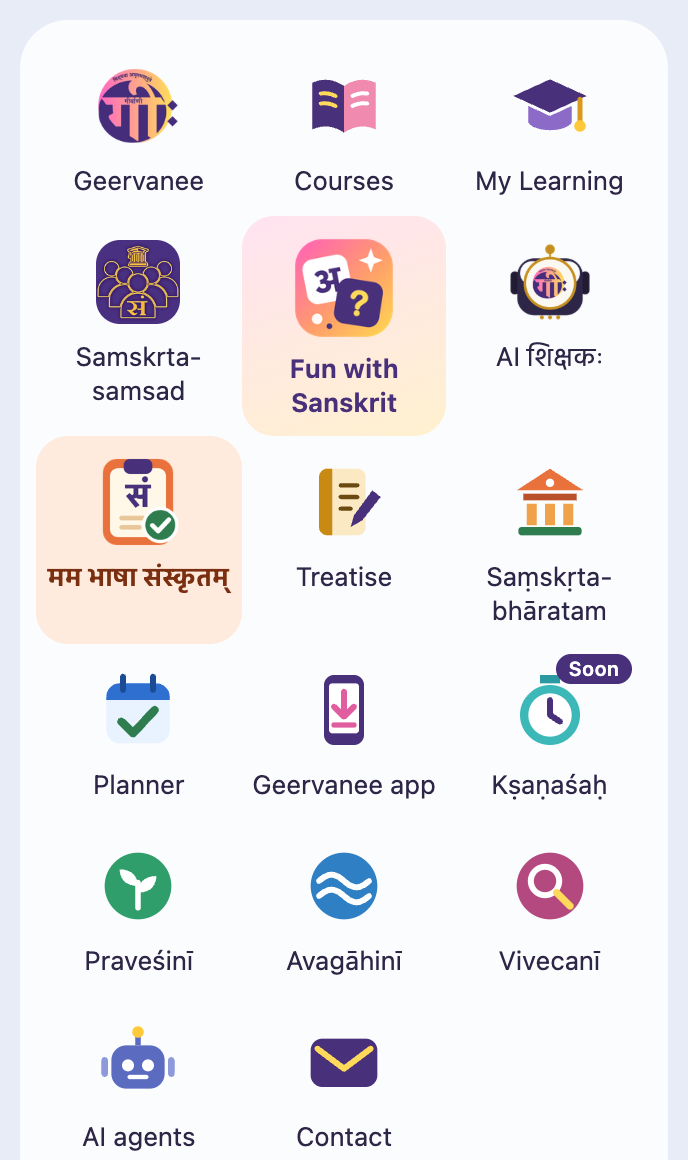
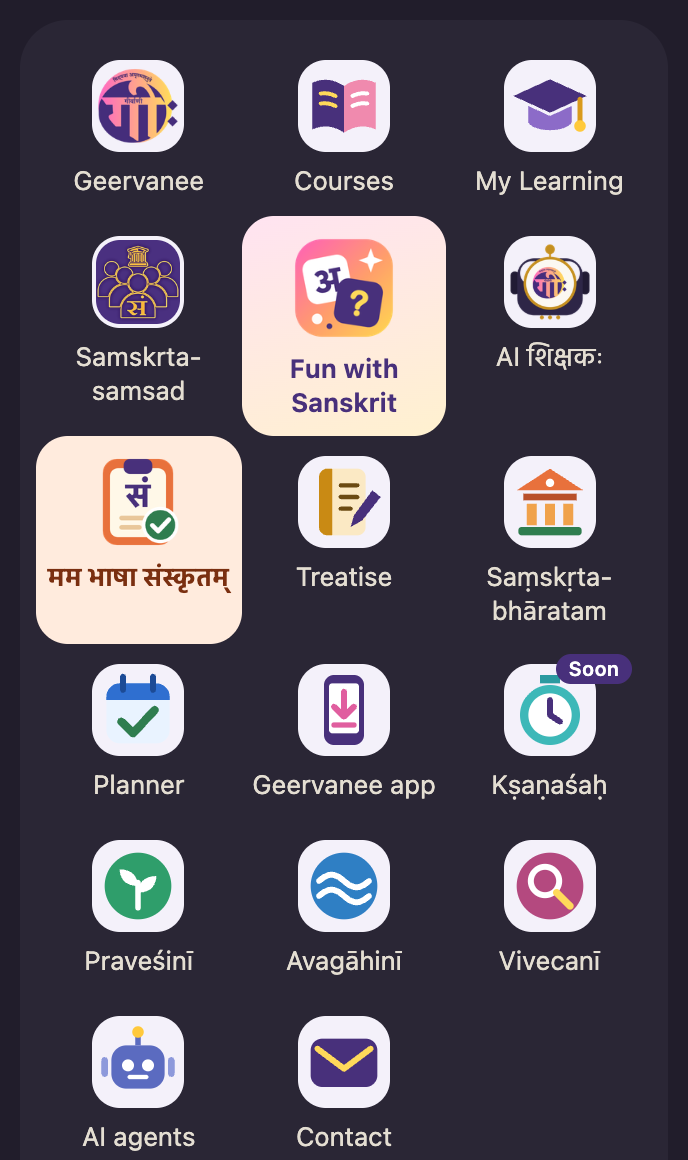
All of Geervanee in one click: courses, games, AI शिक्षकः, Samskrtasamsad and more, with मम भाषा संस्कृतम्, your guide to the Census 2027 language question.
 Geervanee
 Courses
 My Learning
 Samskrtasamsad
 Fun with Sanskrit
 AI शिक्षकः
 Treatise
 Saṃskṛtabhāratam
 Planner
 मम भाषा संस्कृतम्
 Praveśinī
 Avagāhinī
 Vivecanī
 AI agents
 Contact
Geervanee, Courses, My Learning, Samskrtasamsad, Fun with Sanskrit, AI शिक्षकः, Treatise, Saṃskṛtabhāratam, Planner and more.
Drag the icons to arrange them.
Help on the Census portal, screen by screen.
Geervanee's social pages and channels.
Follows your computer.
No account, no advertisements, no tracking.
In the store, the extension is called Geervanee. Your own browser is shown first.
Open your browser's store page and look for Geervanee.
Confirm when your browser asks. It takes a few seconds.
Press the puzzle icon, pin Geervanee, then click its icon in the toolbar.
In the store the extension is called Geervanee.
Coming soonIn the store the extension is called Geervanee.
Coming soonIn the store the extension is called Geervanee.
Coming soonIn the store the extension is called Geervanee.
Coming soonIn the store the extension is called Geervanee.
Coming soonOn iPad the page menu is the puzzle icon in the address bar.
In the store the extension is called Geervanee.
Coming soonClick the Geervanee icon in the toolbar to open it.
To show the guide card on the Census portal. It runs on no other site.
To see, when you open the launcher, whether you are on the Census portal.
To remember the order of your icons, on your own device.
[email protected]
WhatsApp +91 44 4647 7575
To report a wrong tip, send the screen name and your form language. Do not send your Census answers, OTP or ID numbers.
Version 1.0.0: launcher, rearrangeable icons, मम भाषा संस्कृतम् guide.